
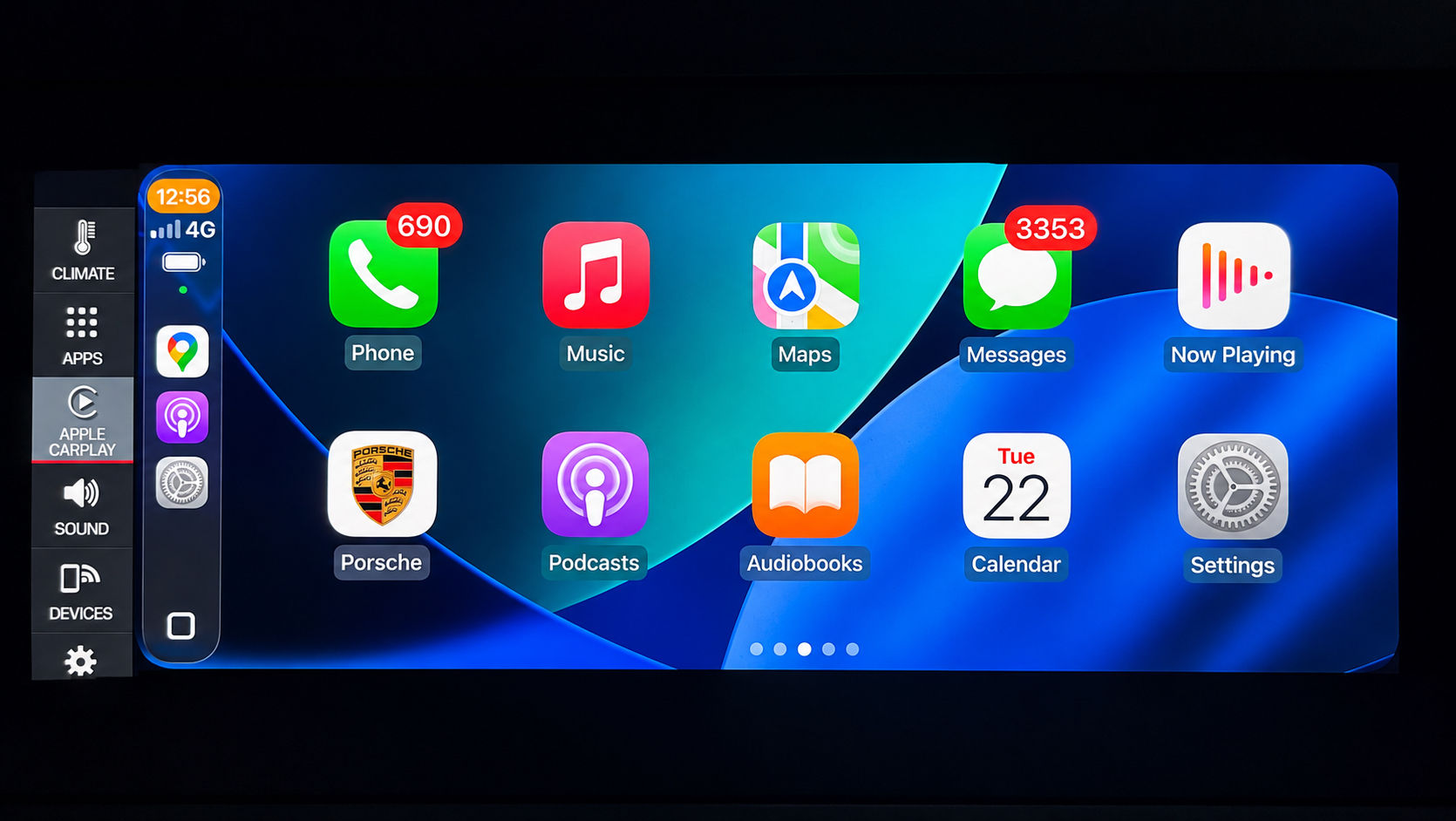

포르쉐 PCM5 전체 화면 Apple CarPlay 및 Android Auto Activation
PCM5 CarPlay 및 Andriod 자동 디스플레이에 대해 FULL HD 해상도 활성화
화면 해상도: 1920x720 HD
아이콘 크기는 적절한 표시 비율로 일반 CarPlay 아이콘 크기로 표시됩니다.
다음에 장착된 모든 PCM5 시스템:
992 (2019-2021)
카이엔 (2018-2021)
마칸(2019- 현재)
파나메라(2019-2021)
How It Works & Installation Guide
📄 Installation Guide — full step-by-step (open on phone or computer):
https://carsoft.co.nz/dl/guide/activation.html
It's the same guide we email you after purchase.
How it works
Delivered online straight to your car — no parts shipped, no dealer visit. Activated remotely over the internet after a quick one-time setup.1. One-time setup (~3–5 min)
We email a small setup file + a redeem code. Copy the file to the root of an SD/USB stick (FAT32), start the car and insert it — a Software Update screen runs automatically and installs a small helper; remove the card at Update successful. No menus or coding on your side.2. Redeem your code
Open our activation page, enter your redeem code and your car's VIN, press Activate (one car per code).3. Drive with internet
Mobile data or a hotspot — the car checks in, downloads and installs by itself, restarts once. Done.Good to know
Locked to your VIN, fully reversible, no firmware reflash. After this one-time setup, any future feature you buy needs only the redeem step.What you'll need
Redeem code, 17-character VIN, an SD/USB (FAT32), and internet in the car. Questions: info@innovativesoft.co.nz
